UI/UX DESIGNER & DEVELOPER
Word Wrangler
TIMELINE
7 weeks, 2025
TOOLS
Figma, Illustrator, Unity, ChatGPT, Github
SCOPE
UX Design
UI Art
Vibe-coding
OVERVIEW
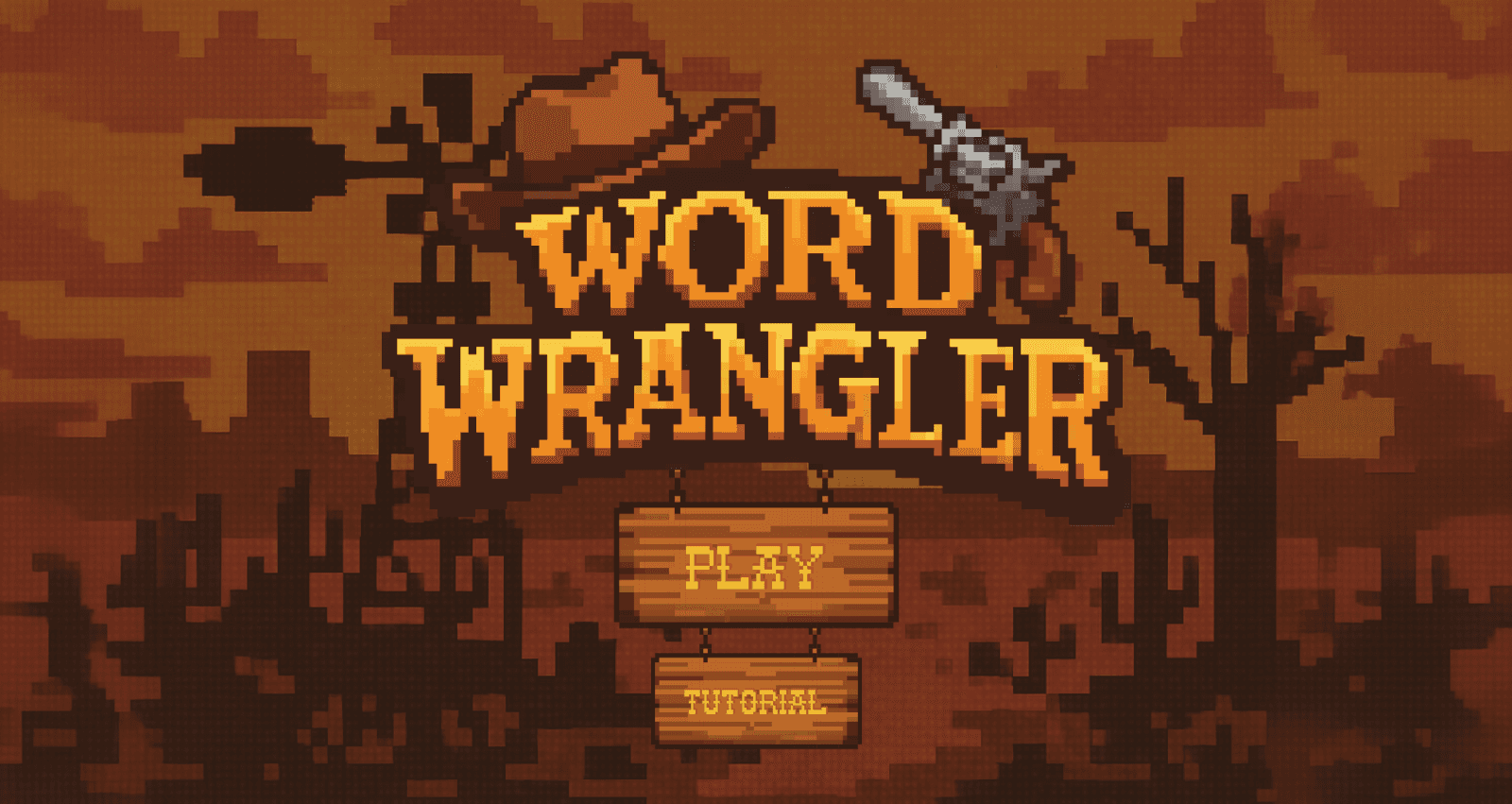
Outthink your enemies in high-stakes duels by wrangling synonyms at lightning speed. Each matching word loads your revolver, turning quick wit into deadly shots!
In Word Wrangler, players are given a word and must quickly type out synonyms under a set time limit. Each synonym generates a bullet, which is used to take down enemies in a western showdown. If a player misspells a word or enters an invalid synonym, the enemy gains an advantage shot, making accuracy and speed crucial to survival.
The goal of this project was to create an arcade game that involved an element of typography. Specific requirements:
Come up with a new arcade game idea
Create a logo and custom font
Create a working Unity prototype
Design an onboarding process
PROCESS
Iterating from quick concepts to a playable prototype.
PAPER PROTOTYPE
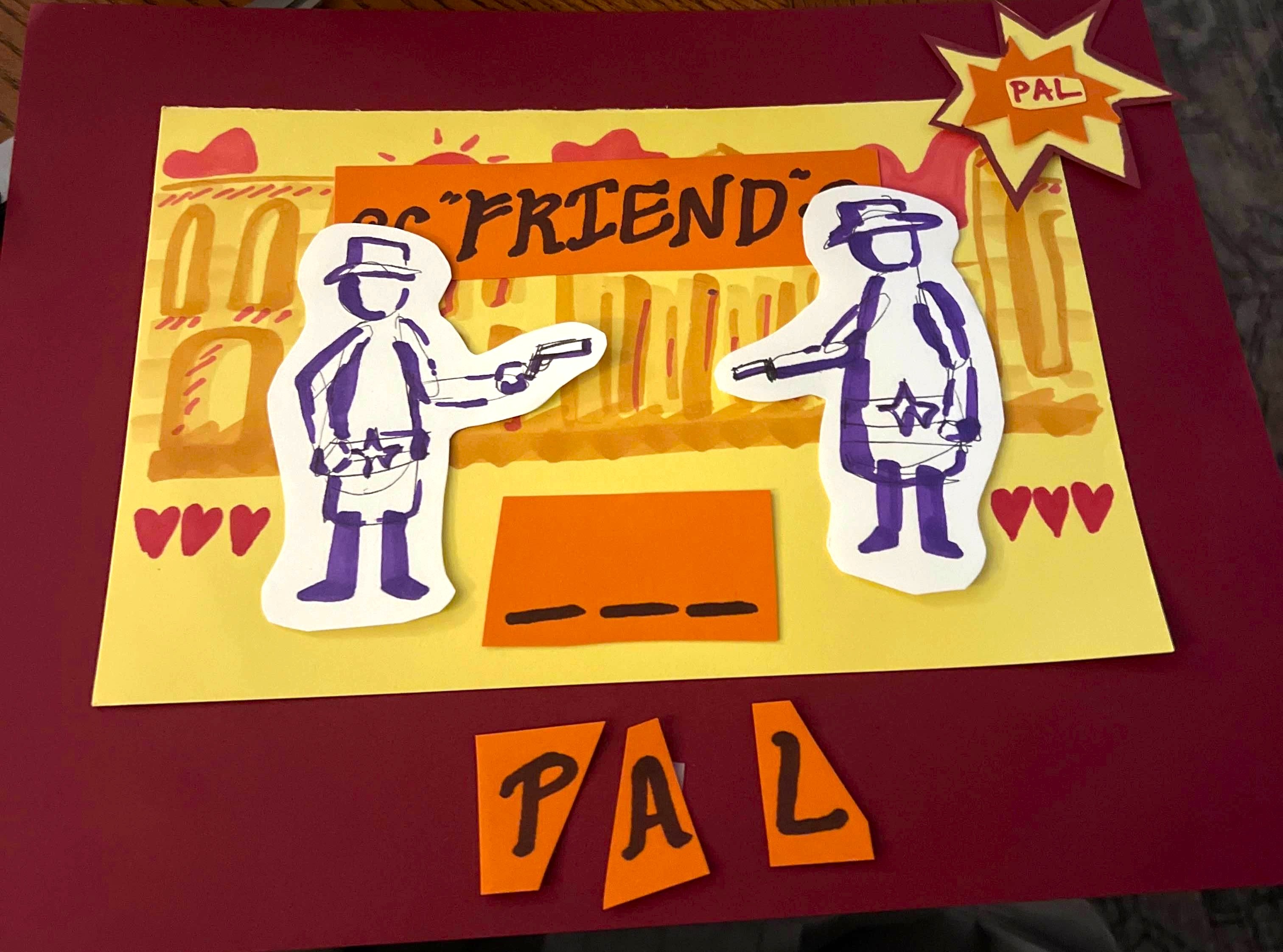
The player is presented with a prompt. In this case, it is "friend." They must come up with a synonym that matches the prompt to shoot their opponent successfully.
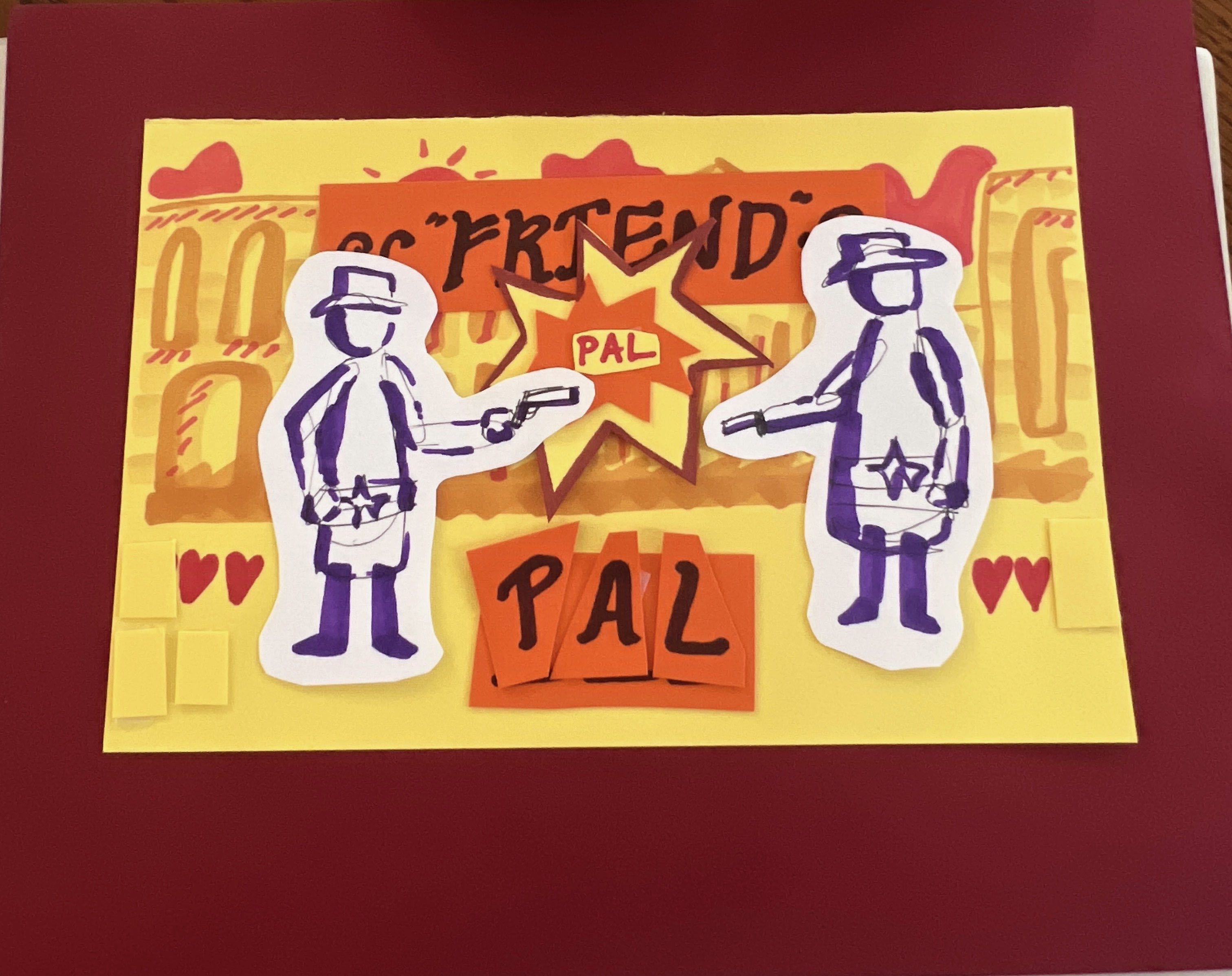
If the player enters "pal" a correct synonym, they take a shot at their opponent. This decreases the enemy's health.
VALIDATION TESTING
Playtesting confirmed the concept was intuitive but revealed opportunities for deeper gameplay.
Our goal when playtesting the paper prototype was to ensure the game mechanics were simple and easy to understand.
Feedback:
Playtesters were able to pick up the mechanics quickly
Suggested adding a scoring system to reward rarer synonyms
Improve visual feedback when the word is correct or incorrect using color (green/red)
Add a variety of enemies; different enemies could require more sophisticated synonyms
LOW FIDELITY
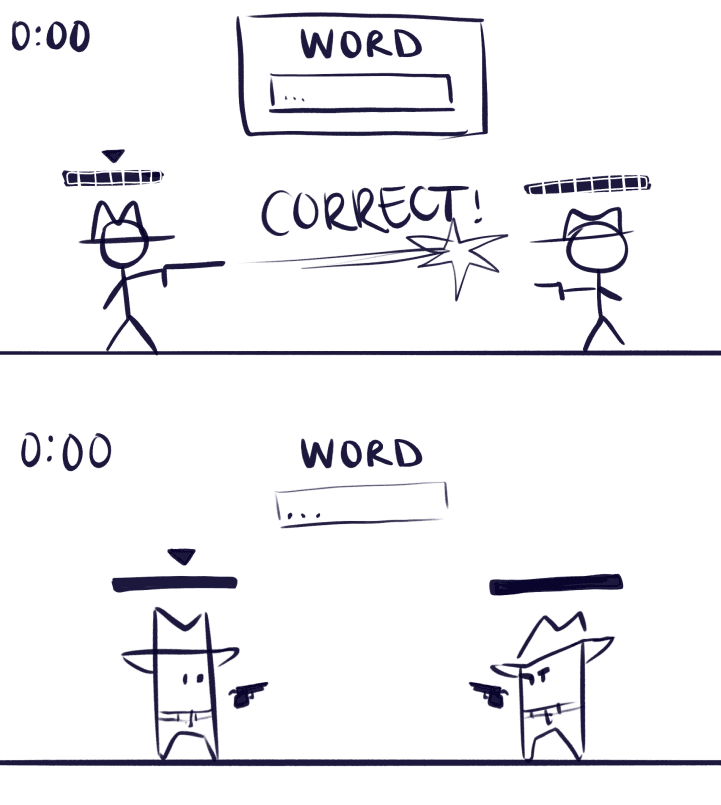
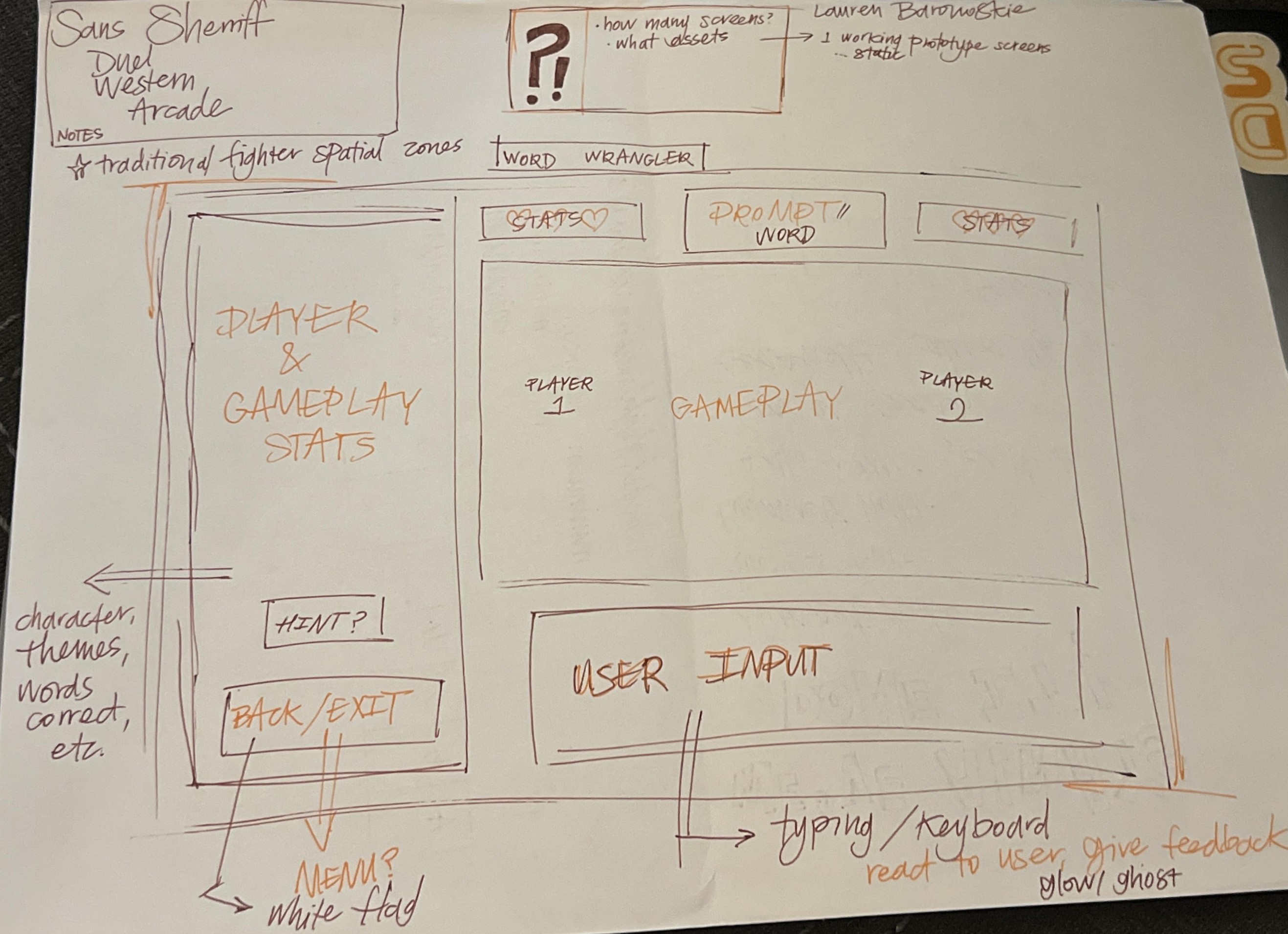
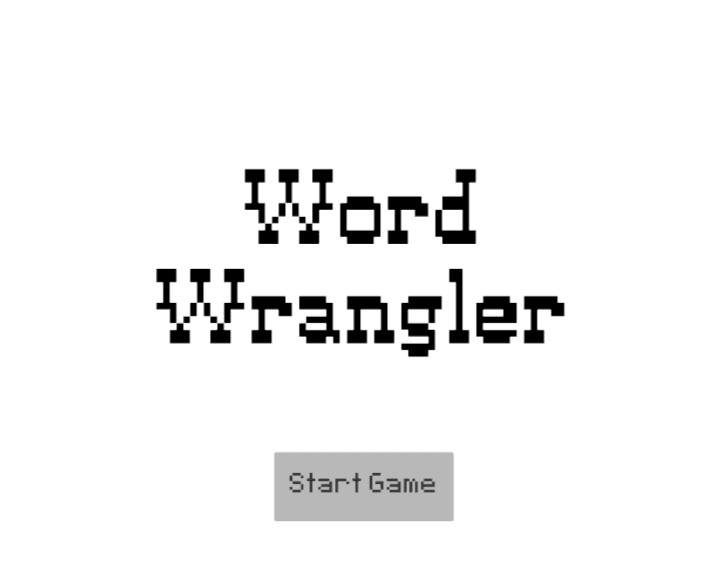
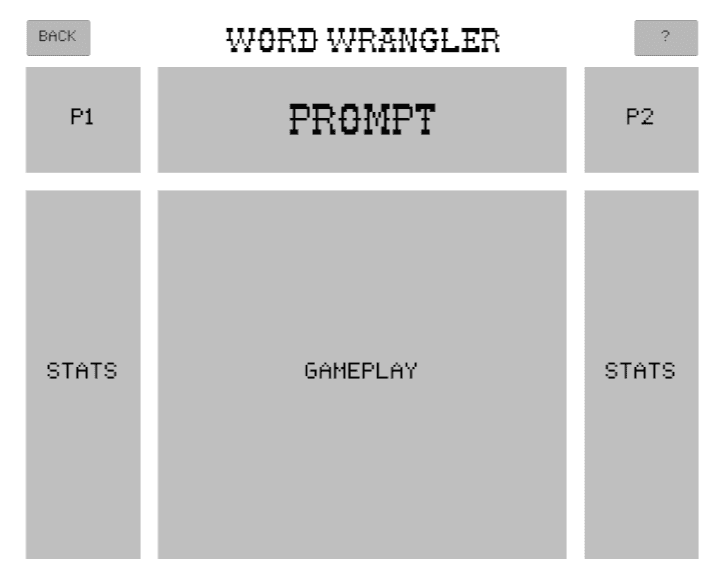
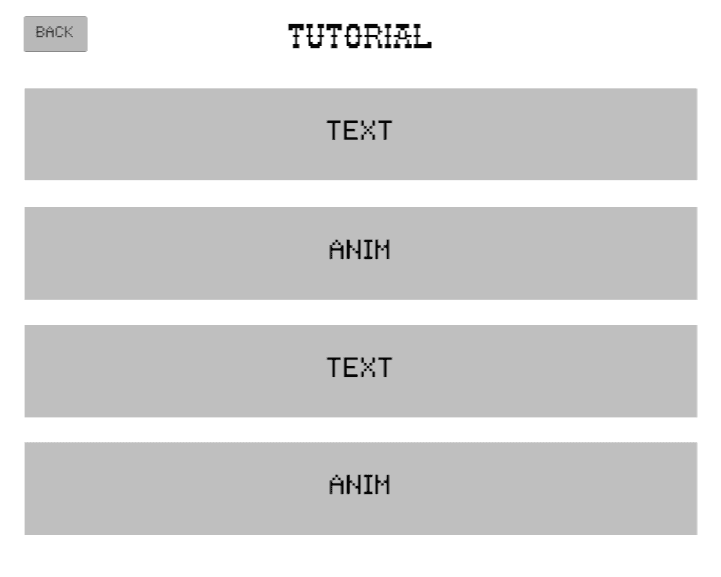
Quick sketches helped us determine the key functionalities, information hierarchy, and the overall feel of the game. We decided on a 5:4 ratio to evoke the nostalgic dimensions of arcade games.
MID FIDELITY
While finalizing the layout, we also worked on making the Unity build functional at a basic level. We were constantly updating the UI to accommodate functionality changes. Having a working prototype gave us a better idea of what we needed to change or add.
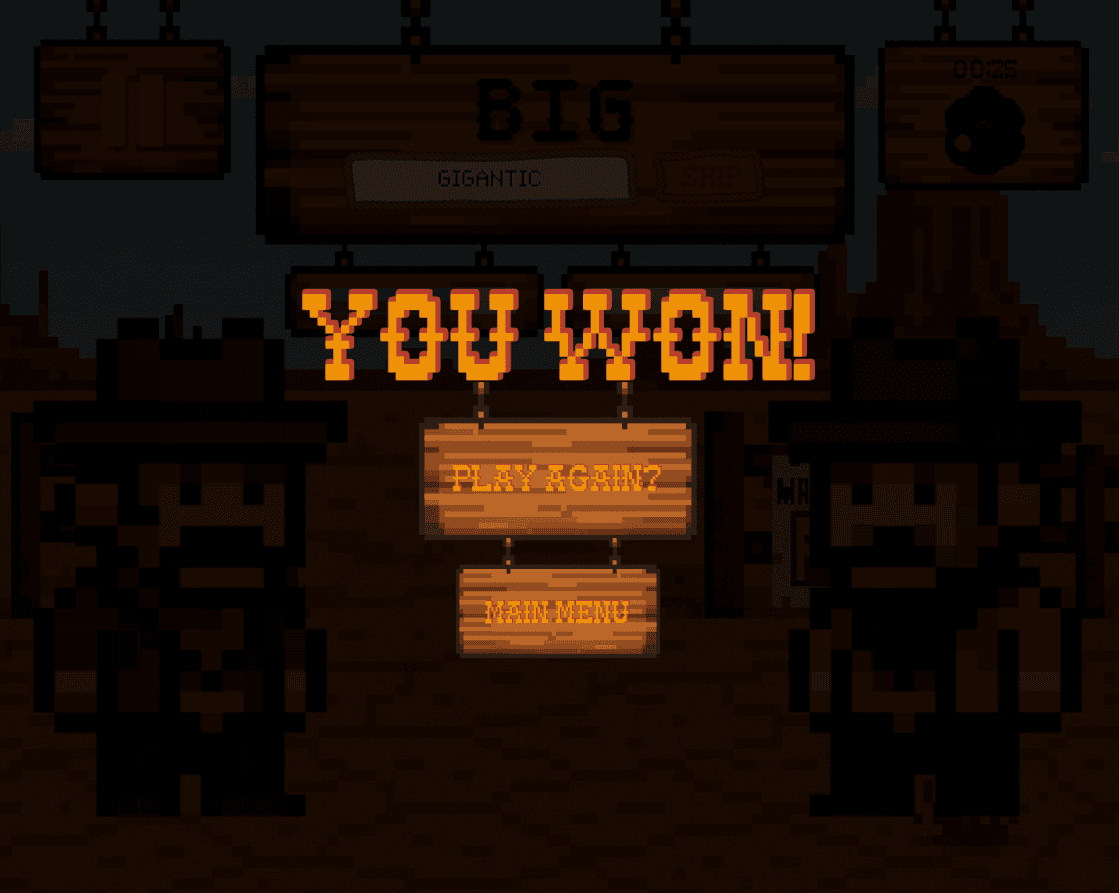
Subtle improvements were made, including a countdown before the timer begins, a game over screen, and working health bars. The code was modified to handle cases when the player enters a word that doesn't match or if a word is repeated.
PLAYTESTING
Observing how players interact with the game revealed pacing issues.
In this round of playtesting, the prompt given to the players stayed the same until all synonyms were matched. The game would end once 30 seconds were up. We found that players would get stuck after entering 2-3 synonyms, which led to them sitting there in frustration until the 30 seconds were over.
Playtesters suggested:
Changing the prompt after every correct word
Adding a skip button
Expanding the word bank
Making the rounds longer
ITERATION
Gameplay layout and rules were updated to reduce frustration for players.
ADJUSTMENTS
Using the feedback we received, we:
Made the prompt change after 2 correct synonyms
Added a skip button with a consequence when used
Expanded the word bank
Made the game infinite until the player or enemy dies
REDESIGNING THE HUD
We refocused the interface around the player's attention during gameplay.
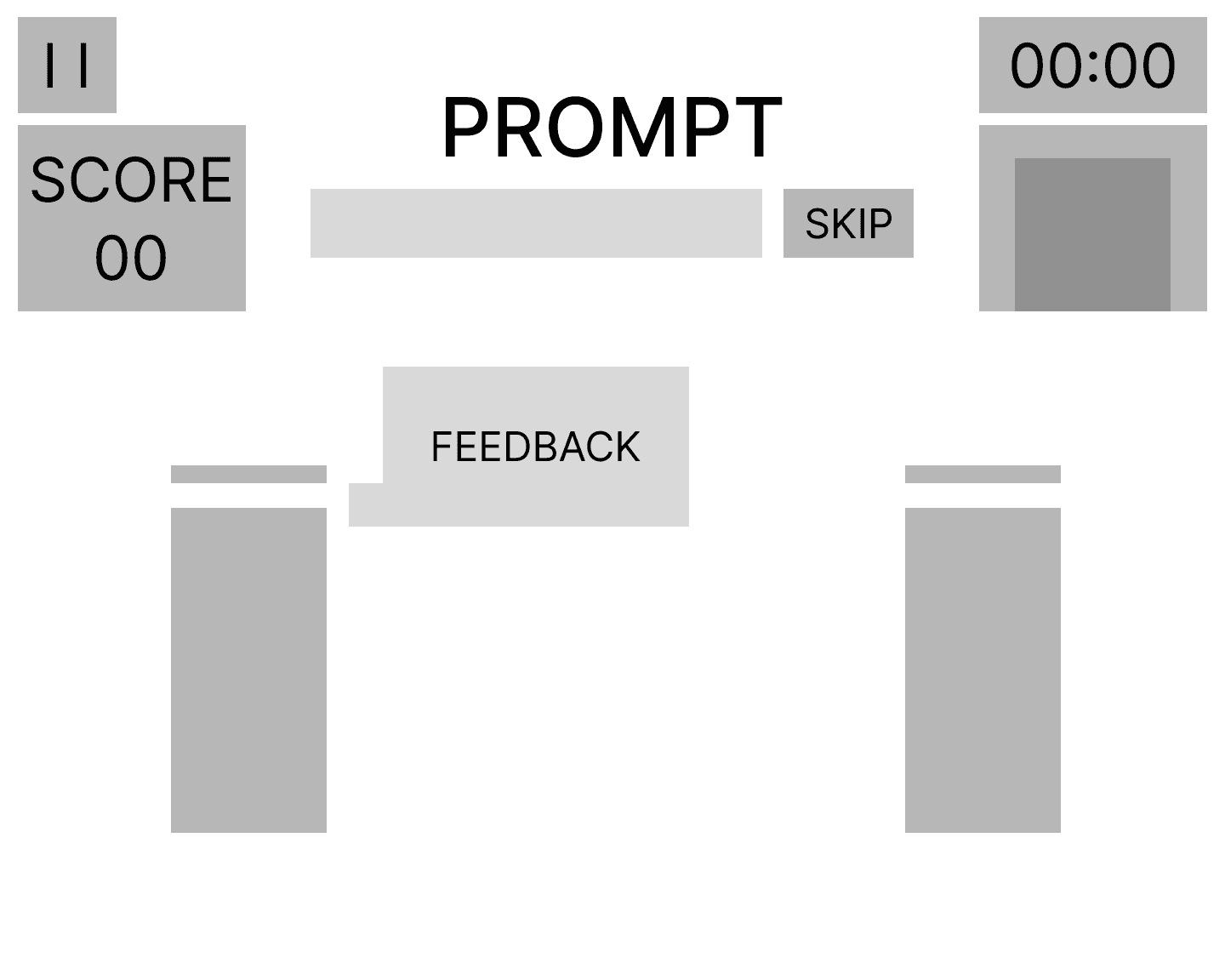
The current layout was a good start. However, we decided to approach a redesign for the HUD (head-up display) that focused on being user-first. We asked ourselves:
Is there too much going on with no central focus?
Where will the player's eyes be for the majority of the game?
What UI changes can we make to bring more nostalgia from old arcade fighter games?
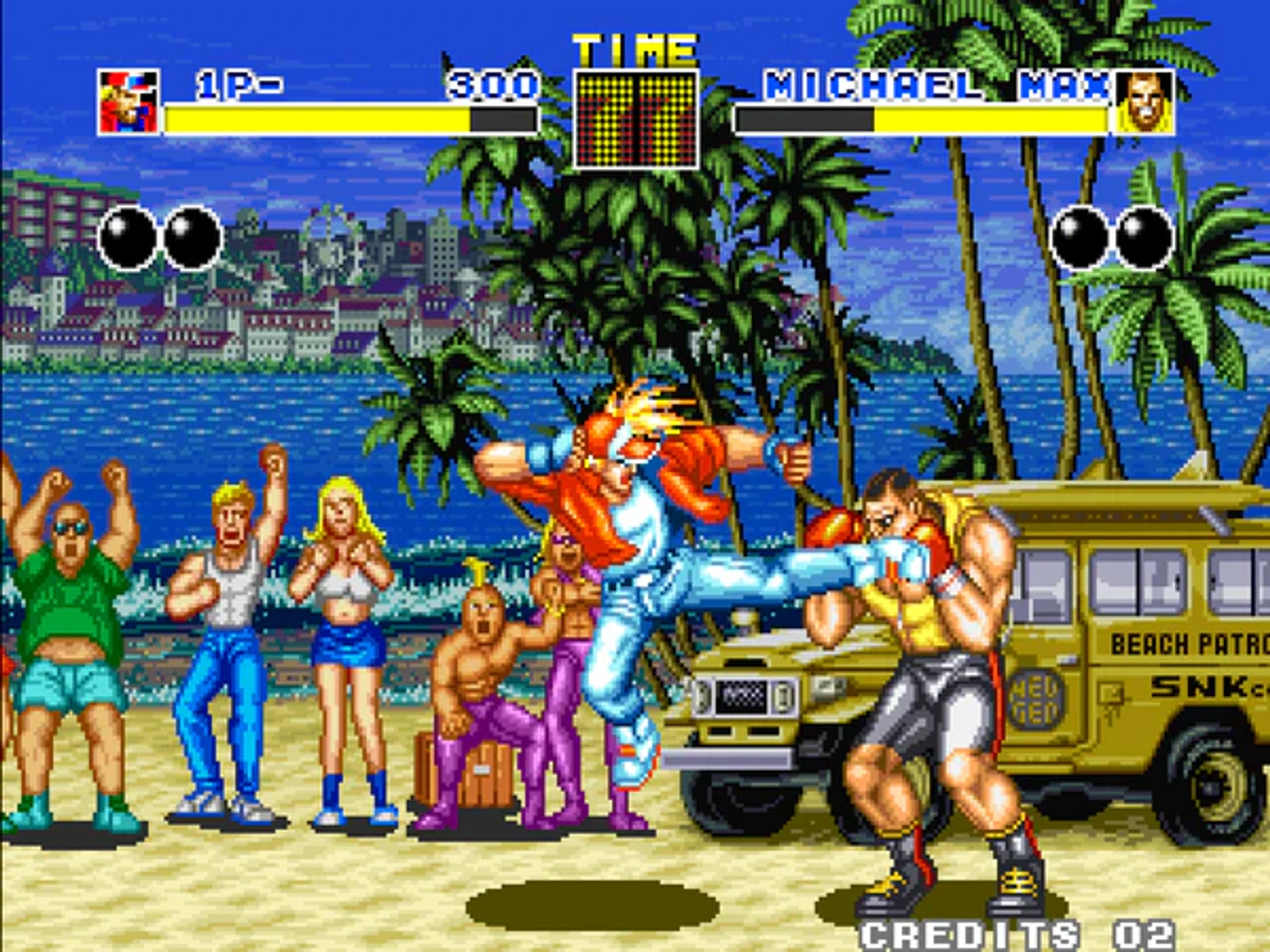
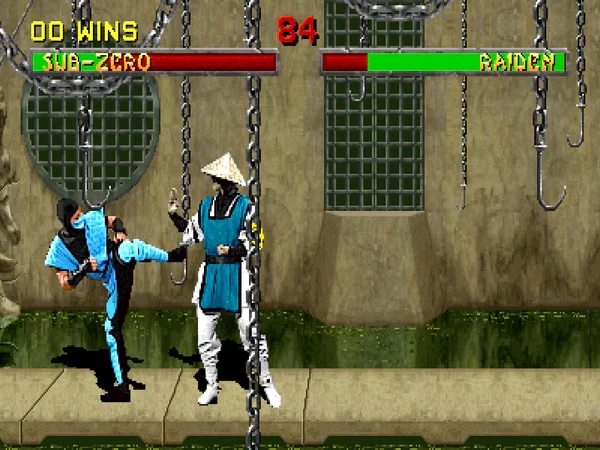
Taking a look at some arcade fighting games, the most popular HUD is top and central. Pictured below are Fatal Fury: King of Fighters and Mortal Kombat II.
BEFORE
AFTER
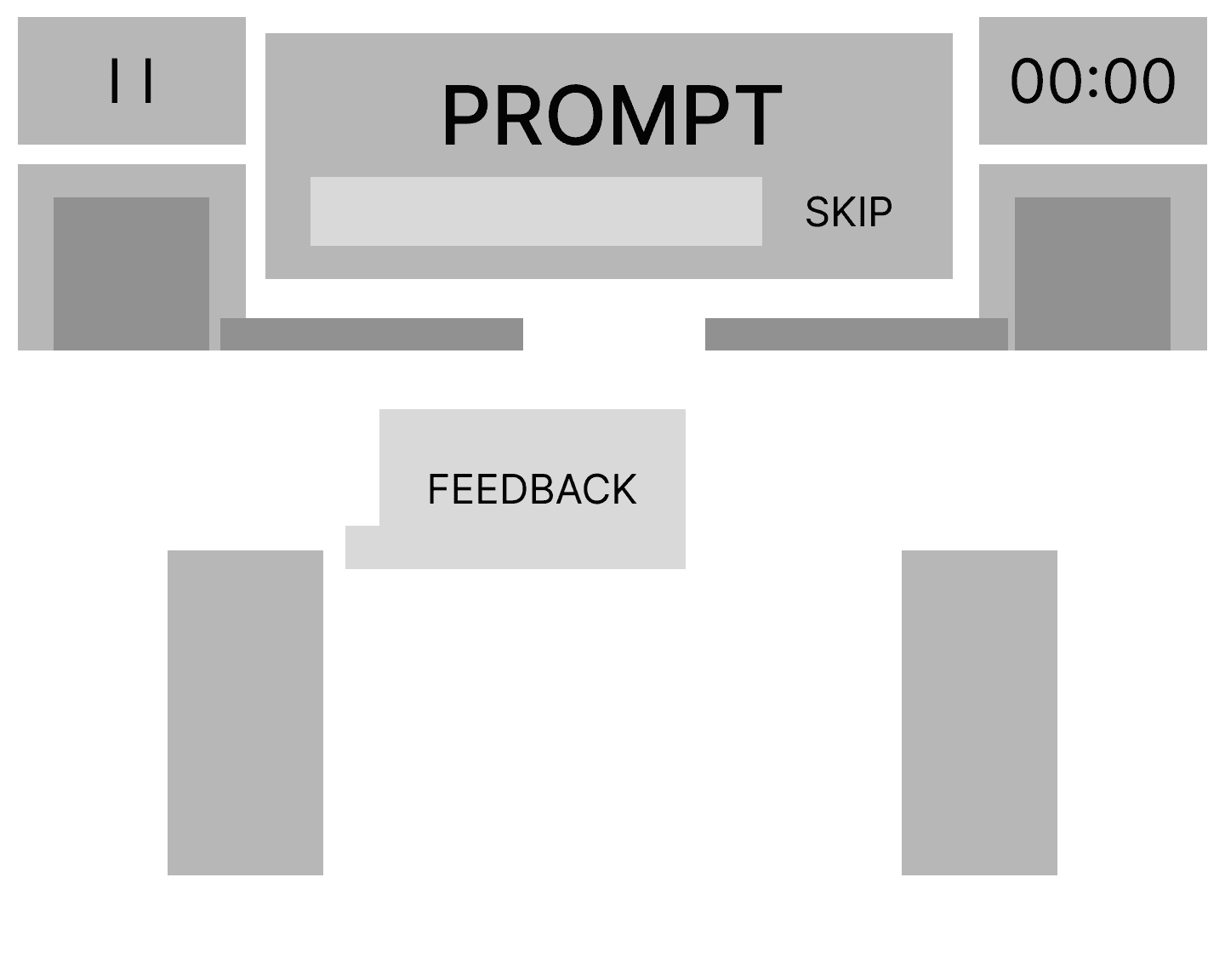
With our player's focus on the prompt, which is centered at the top, we took inspiration from these games and applied it to our redesign. The health bars were moved from above the characters to underneath the prompt and enlarged, with character icons attached to each bar. Later on, we decided to get rid of the icons as they contributed to the HUD feeling too top-heavy and cluttered. The high score feature was not included due to time constraints; therefore, the score feature was also eliminated.
AI USAGE
Using AI as a coding assistant to speed up development and debugging.
ChatGPT played an important role as a coding assistant throughout this project. With the help of AI, I was able to quickly implement small changes that made a big difference in the player's experience.
For instance:
Players had to manually click on the input bar to begin typing, which interrupted the flow of gameplay and caused unnecessary friction. Using AI, I implemented an automated system that activates the input bar as soon as the round starts
With a short prompt, I was able to generate code for a modular and adaptable timer system that was linked to the animation
It helped immensely with debugging animation issues by pointing out incorrect logic and suggesting fixes
STYLE GUIDE & ASSETS
Establishing the visual identity of a western arcade experience.
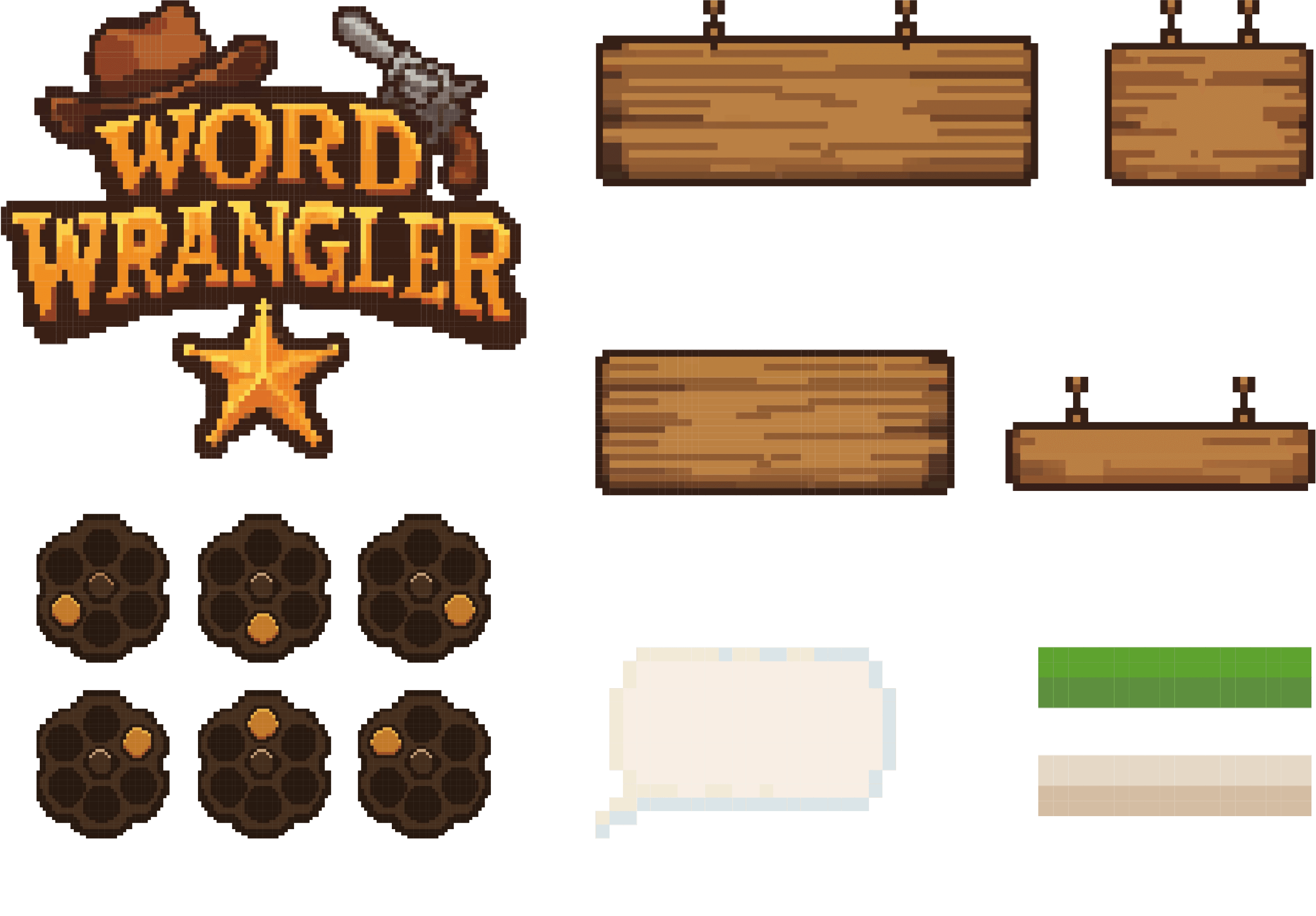
CUSTOM UI ASSETS
Made in Adobe Illustrator.
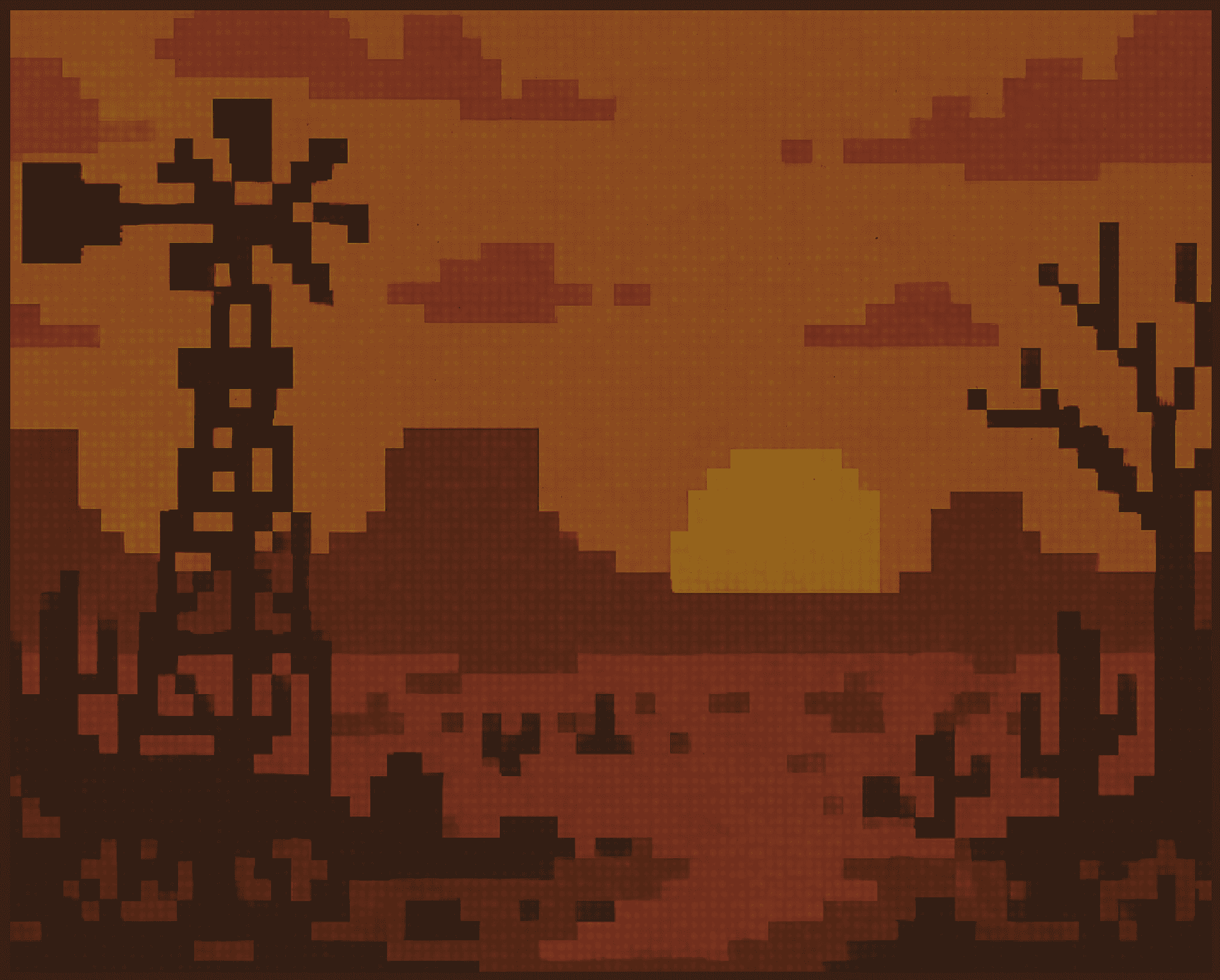
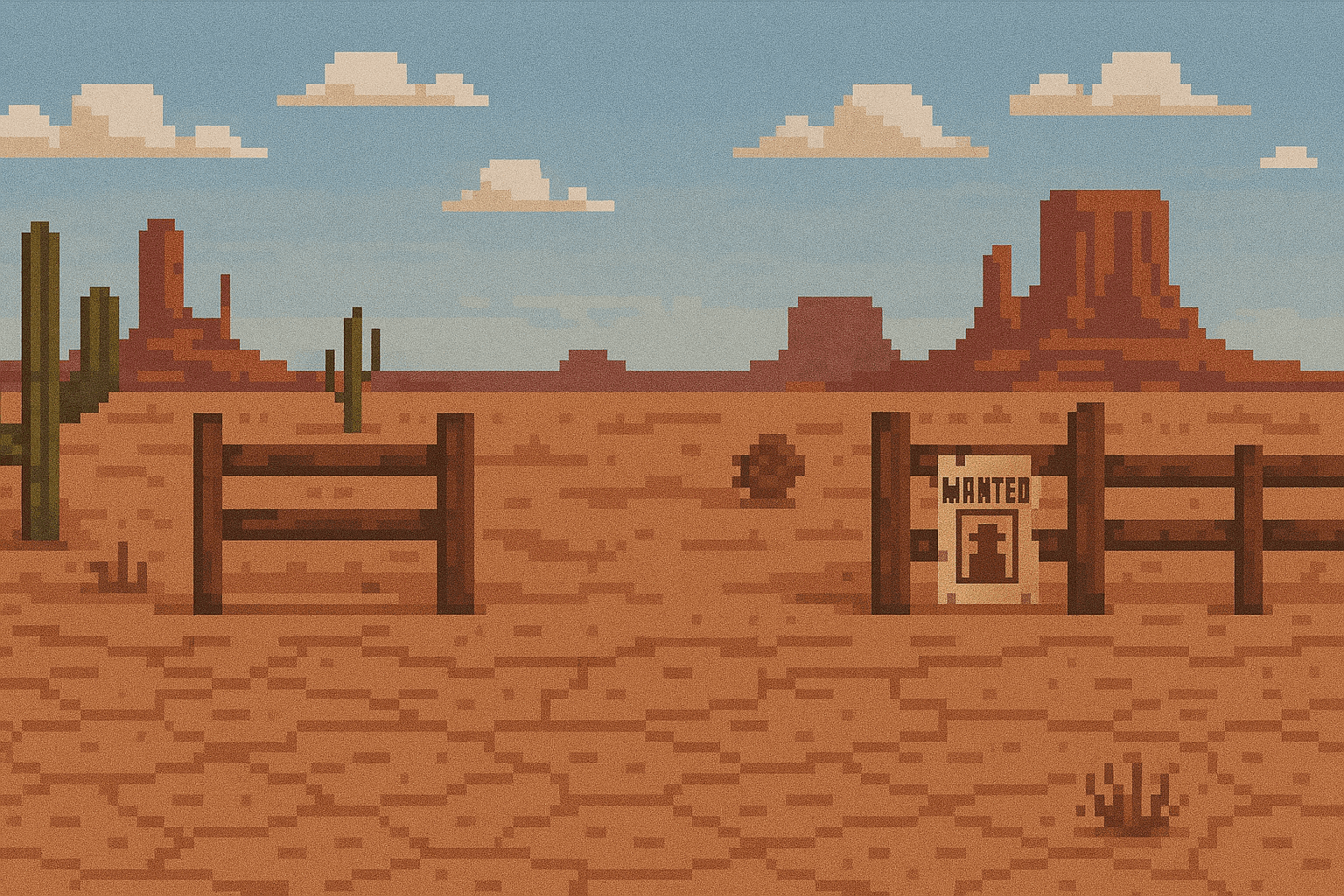
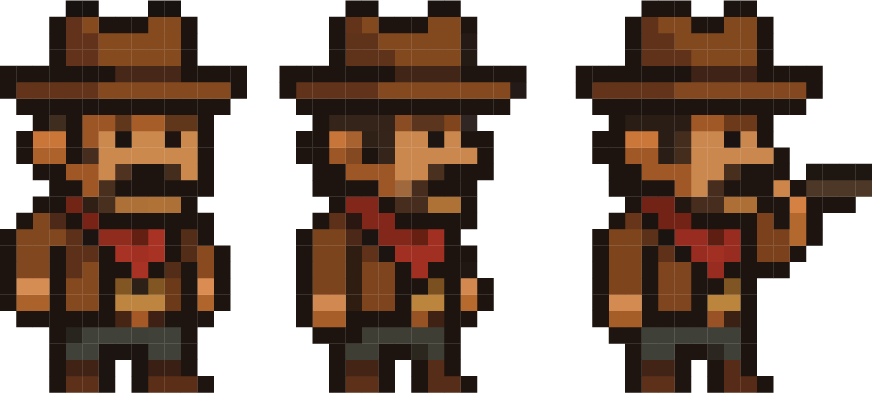
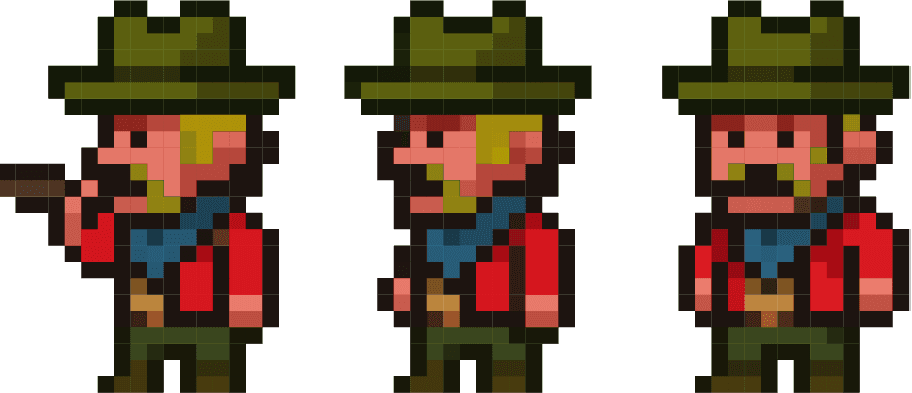
AI-GENERATED ASSETS
TYPOGRAPHY
A custom font made by Lauren.



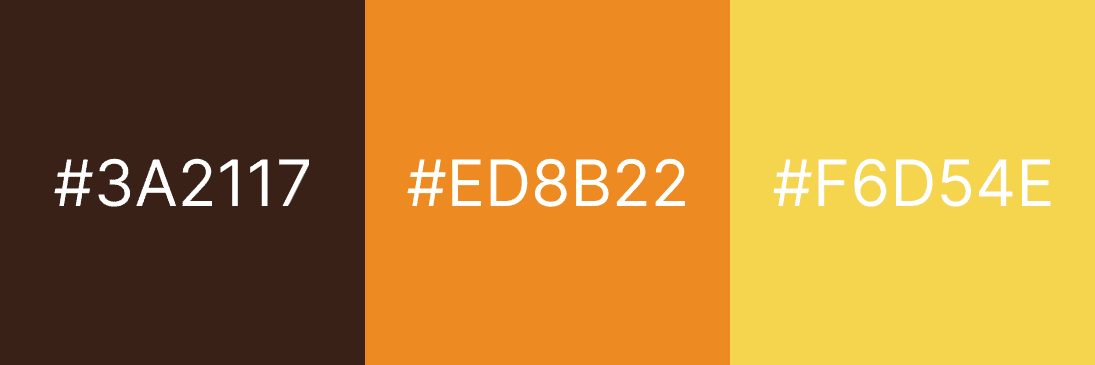
COLOR PALETTE
FINAL
Bringing together gameplay, visuals, and interaction into a finished prototype.
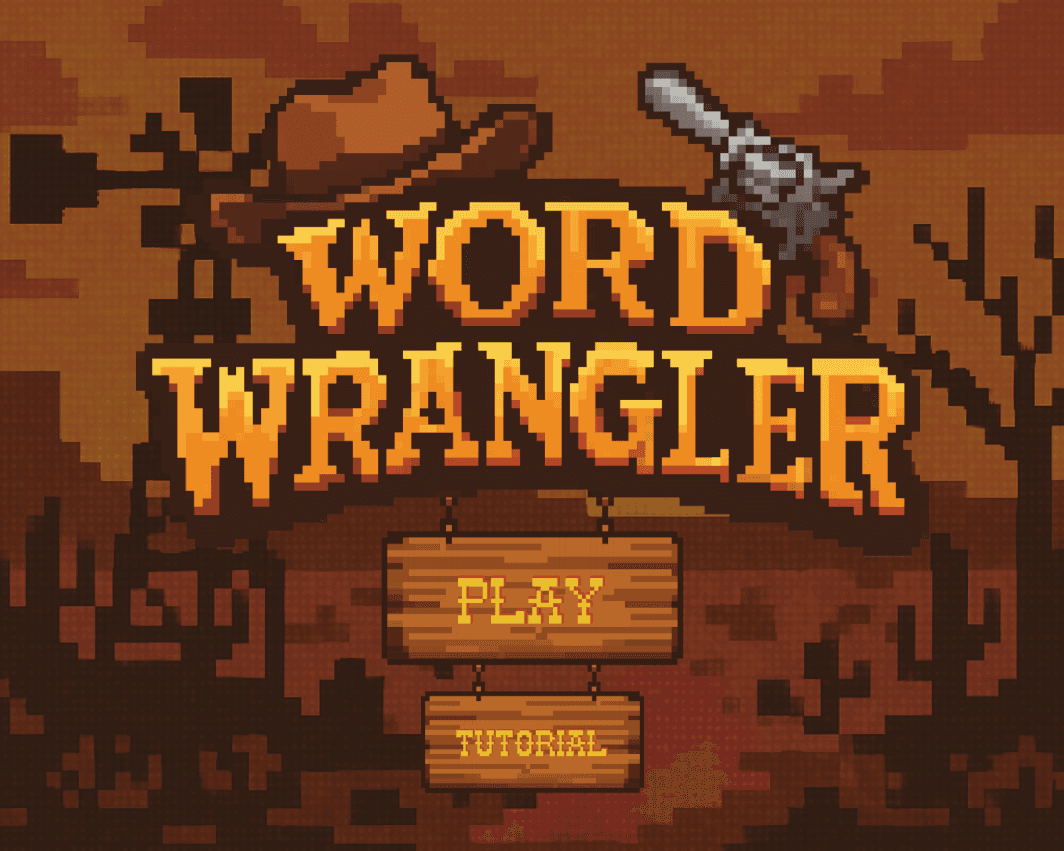
TITLE SCREEN
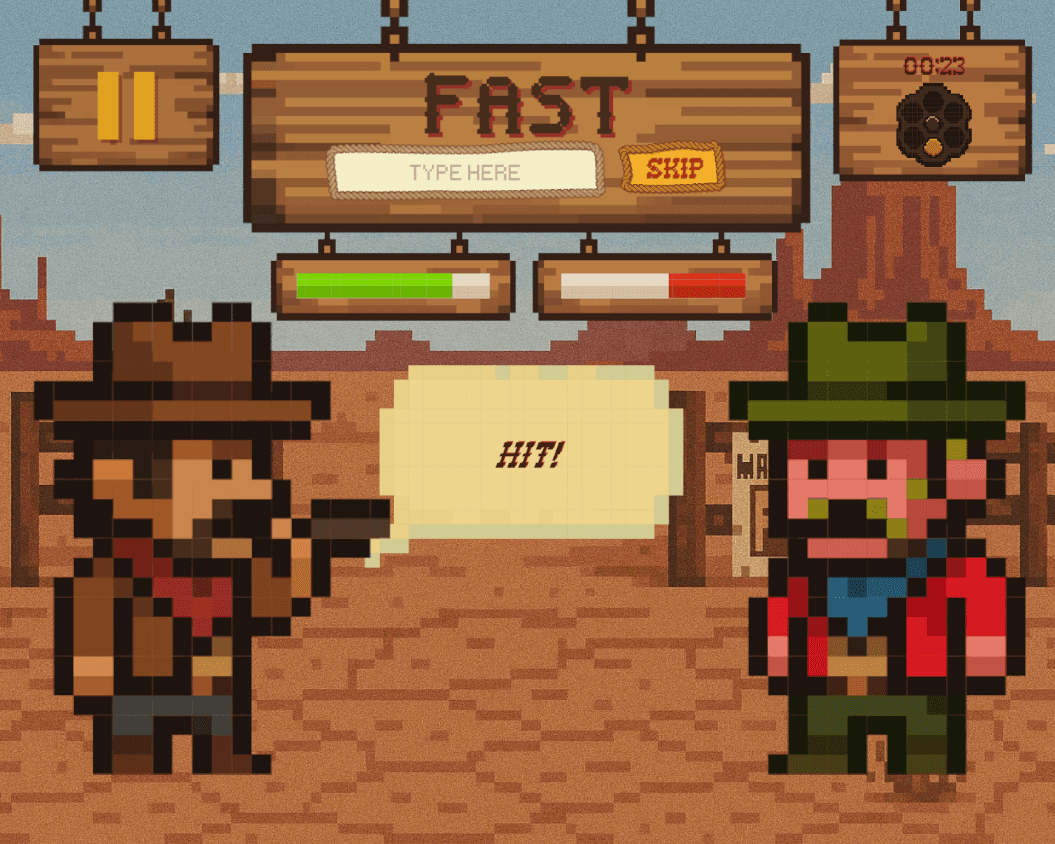
GAMEPLAY
GAME OVER SCREEN
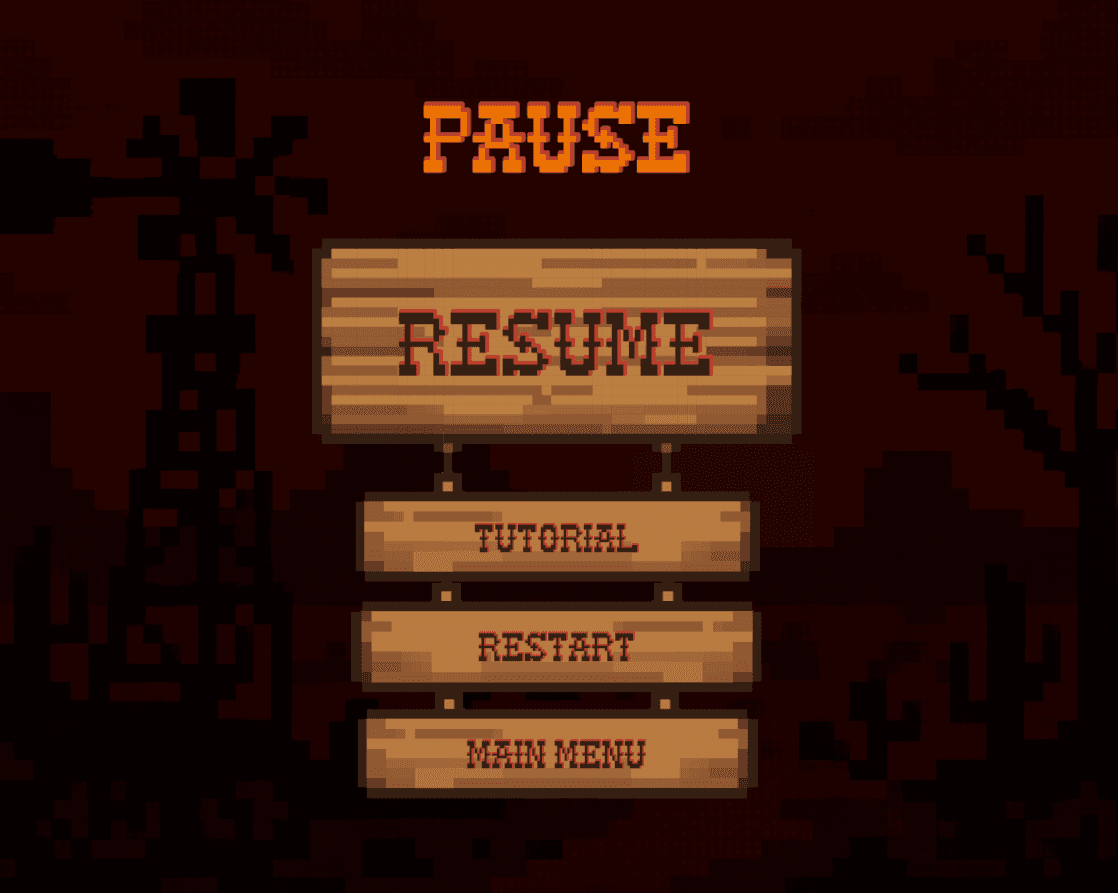
PAUSE MENU
HIGH FIDELITY PROTOTYPE
LINK TO PLAY
REFLECTION
Lessons learned from designing and building a fast-paced typing game.
After completing this project for my Typography & Games class, I reflected on how much stronger I have become as a designer. This project taught me the importance of iteration, balancing fun and fairness, and leveraging AI. I was able to challenge my problem-solving abilities by overcoming the road bumps I encountered while managing game logic. I believe the most significant growth for me was in my design thinking. I now approach projects with a sharper eye for details and UX improvements before diving into execution.